Copper blog
Sales - 14 min READ
7 cold calling script ideas to get appointments
The more sales appointments you book, you more likely you are to close deals. Try these 7 cold calling scripts to get appointments that'll turn into sales.

Sales - 8 min READ
The anatomy of the perfect sales follow-up emails
How do you follow up with a prospect after an event or a referral from a mutual connection? Learn how to write the perfect sales follow-up emails.

Client success - 6 min READ
8 Ways to create a successful client-agency communication plan
Avoid client-agency miscommunications with these 8 best practices for creating a clear communication plan.

Marketing - 9 min READ
The Step-by-Step Guide to Calculating Your Consulting Rates
Learn how to find your perfect consulting rate & set your own fees. Learn how much to charge in this 6-step guide.

Sales - 6 min READ
5 Key benefits of integrating CRM with Gmail for streamlined sales communication
Integrating CRM with Gmail can do amazing things for your productivity.
Get the latest from our blog every month
Browse the blog
Want to go deeper? Click on a category below for more from Copper.
Popular

8 min READ
5 Ways to use Pipeline email automations that save your team time
Save hours with smarter email follow-ups that scale with you and help you never miss a beat
8 min READ
5 Forms you need on your website to capture more leads
Capture more leads, automate follow-ups, and keep your pipeline full with these must-have website forms.

4 min READ
How to use your CRM for project task management: 5 use cases
Simplify your workflow: Discover 5 ways small businesses use CRM project task management to track tasks, clients, and projects efficiently.

6 min READ
You’re not ‘too small’ for a CRM
Struggling to stay organized? A CRM might be your best next move.

Client success - 10 min READ
How to schedule an email in Gmail: 5 simple steps
If you’re wondering, can I schedule an email in Gmail? The answer is yes. Follow these 5 steps for email scheduling in Gmail.
Copper news - 5 min READ
Coming soon to Copper: Three new features in Lists
Easily editable lists, quicker list creation and more are coming to Copper CRM soon. Check out our updates.

Marketing - 2 min READ
Case study: SportsDataIO powers a personalized email marketing strategy with Copper X Mailchimp
Fast-growing sports data provider added our Mailchimp integration to Copper CRM to power up their email marketing with personalized newsletters.

Productivity - 7 min READ
How to recall an email in Gmail in 4 easy steps
Have ever sent an email you regret? Configure your Gmail to recall an email by following these steps. Learn how to adjust your settings here.
Productivity - 2 min READ
Import2 simplifies migrating your data into Copper
With Import2 X Copper, you can move all historical data from your existing CRM system to your Copper account. Here's how.
Copper news - 2 min READ
Copper earns Recommended for Google Workspace
Copper CRM has made the 2023 Recommended for Google Workspace apps list yet again. Learn all about this recognition.
Copper news - 6 min READ
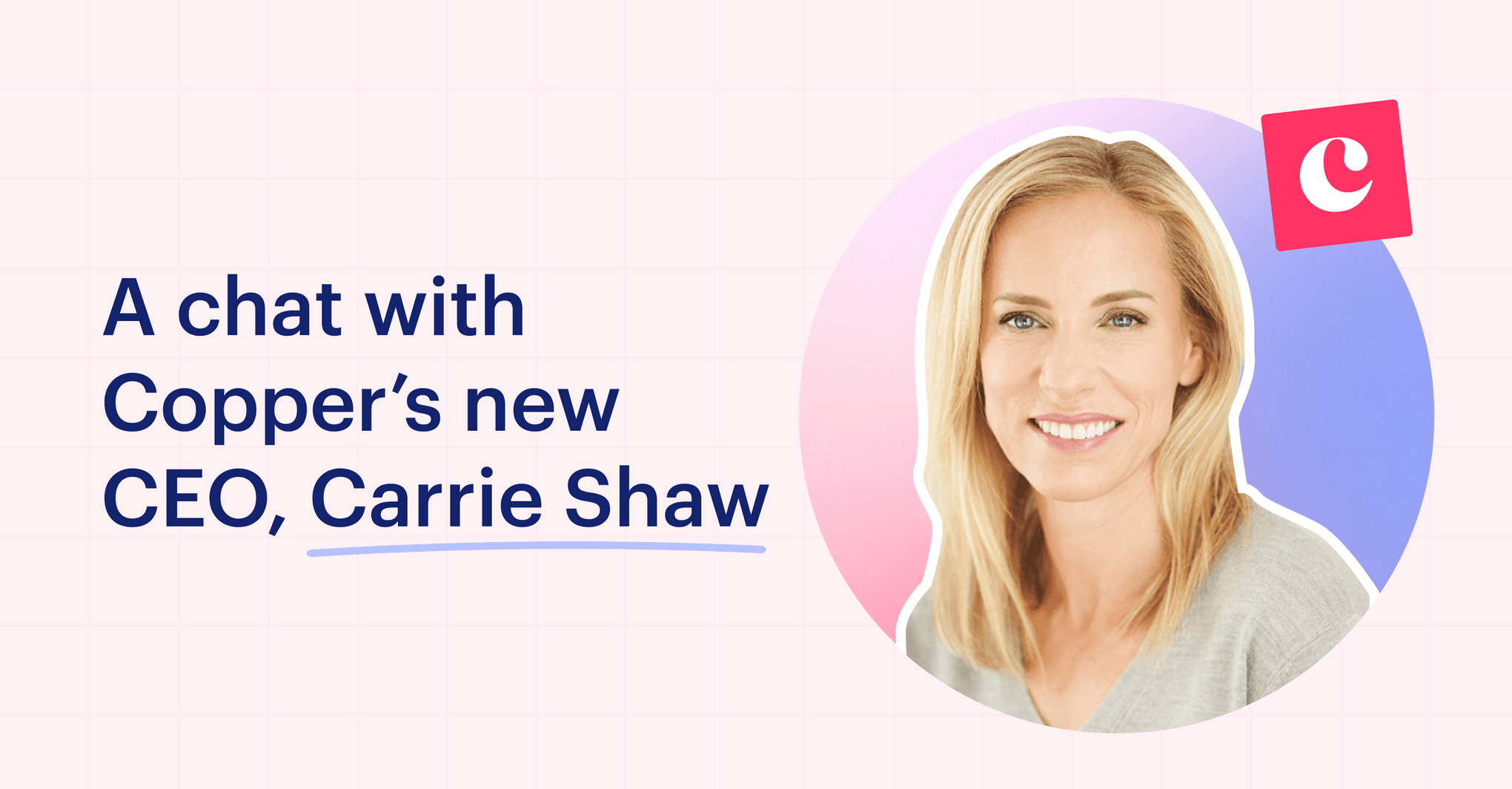
A chat with Copper’s new CEO, Carrie Shaw
We sat down with new CEO Carrie Shaw to talk all things CRM, get her outlook on tech, and dig into her unique career journey up to today.

Sales - 9 min READ
Create a lead management process - 4 step guide
Create a lead management process by organizing leads, scoring leads, nurturing leads & collaborating with your team to close deals. Read more.
Productivity - 2 min READ
Avoma and Copper make meetings more actionable
With the Copper CRM integration, Avoma's conversation intelligence software feeds actionable insights from your meetings directly into customer records.

Sales - 9 min READ
6 Alternatives to Salesforce CRM worth considering
Looking for alternatives to Salesforce CRM? Learn about 6 Salesforce alternatives that hold up to the competition.

Sales - 4 min READ
The 3 Ps of lead nurturing
Lead nurturing is a delicate sales process that requires profiling, personalization and patience. Check out these actionable steps to improve your nurturing tactics.
Sales - 7 min READ
The beginner's guide to lead scoring
Lead scoring helps you keep a better pulse on the people in your pipeline. Our beginner's guide details how to build a lead scoring model from scratch.

Productivity - 4 min READ
What Salesforce small business customers could expect following their 2023 layoffs
After Salesforce's recent layoffs, find out what this means for its small business CRM customers – and if it's still a good fit.
Productivity - 2 min READ
Coda and Copper make it easy to visualize CRM data alongside other popular tools
Coda’s all-in-one document app, used together with Copper CRM, helps you combine and visualize your customer data. Find out how it works.

Client success - 6 min READ
Copper CRM product principles … 2023 and beyond
How and why Copper defined our CRM product principles, and why we think they’ll make a difference for our users.