No matter the size of your business, you have a tech stack that does a lot of the heavy lifting. But let's be honest: nobody wants to manage a huge list of apps and platforms to get their work done. The fewer platforms you use, the easier it is to find information, collaborate with your teammates, and save a few brain cells in the process.
Running a small business means you're juggling client relationships and project delivery often at the same time. That's where combining CRM with project task management makes a real difference.
Instead of bouncing between a CRM for tracking contacts and a separate tool for managing tasks, you can bring everything into one place. The result? Better organization, fewer dropped balls, and more time spent on the work that actually grows your business.
Here are five ways small businesses can use CRM and project task management together to stay on top of every client and every deliverable.I
Key Takeaways
- CRM project task management combines customer relationship tracking with internal task workflows in a single platform, eliminating the need to switch between separate apps.
- Small businesses benefit from unified CRM and project management tools that handle client interactions, team to-dos, pipelines, and automated handoffs in one place.
- Creative agencies, consulting firms, real estate agents, corporate development teams, and tech companies can all use CRM task management to streamline workflows and improve client experiences.
- Copper integrates task boards, custom pipelines, Google Workspace compatibility, and automatic activity logging to manage both client relationships and project workflows without leaving Gmail.
What is CRM project task management?
CRM project task management combines your customer relationship tools with internal task and project workflows in a single platform. Instead of toggling between apps—one for tracking client interactions and another for managing to-dos—you handle both in one place.
A customer relationship management (CRM) platform typically handles external-facing tasks like customer follow-ups or investor pitches. It helps you collect, organize, and share customer data while tracking every touchpoint. It's a lifesaver for nurturing relationships at scale.
Project management (PM) apps, on the other hand, handle internal tasks that happen in the background. They organize your team's to-dos so you can delight customers. PM tools make work faster and simpler by clarifying:
- What needs to be done: Clear task definitions
- Who's responsible: Assigned ownership for accountability
- When it's due: Milestones and deadlines for each project
Plenty of organizations separate their CRM and project management tools on different platforms. But for small businesses, smarter, more holistic solutions make great customer service sustainable without the app-switching headache.
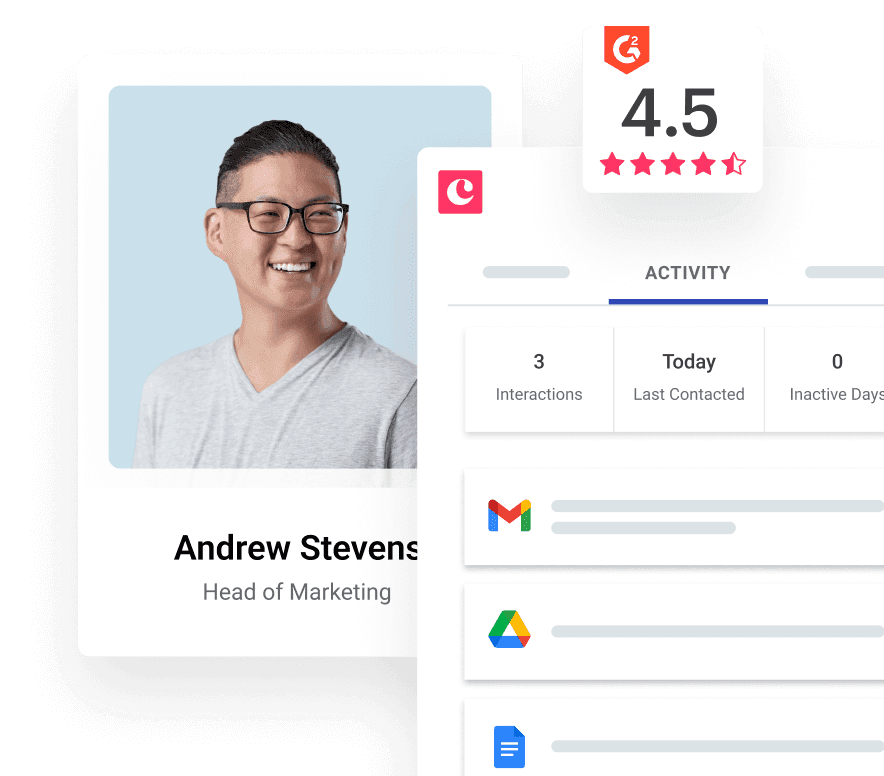
Using a client and project management platform (like Copper) gives you access to all of your customer data, to-dos, recurring tasks and more without switching between different solutions.
How to use CRM and project task management for small businesses
There’s no need to add another tool to your workflow. Just about any business can use the task management features of CRM and come out ahead. Check out these 5 use cases to see how.
1. Creative agencies
Running a creative agency means juggling a million brilliant ideas and client expectations. While a CRM is fantastic for keeping tabs on each client's journey, the project management side is the secret sauce that brings your different teams together. Imagine seamlessly passing projects from marketing to design to development – all with real-time visibility thanks to task management and pipelines right inside your CRM.
2. Consulting firms
You’re dealing with a lot of relationships as a consulting firm. From prospecting to managing current client accounts, your email inbox is probably pretty full. A CRM with task management makes it much easier to log customer interactions and internal tasks. There’s no need to do any data entry, either. You can even automate the handoffs between sales and account management — and the tasks for each person on the team — for seamless workflows that do more in less time.
3. Real estate agents
A mobile-optimized CRM like Copper gives real estate agents the power to manage their calendar, MLS listings, client emails and more while you’re on the go. Assign yourself tasks for each active homebuyer in your CRM—you can even set bi-annual follow-ups with your past clients to keep the relationship going.
4. Corporate development
B2B buyers have a longer and more complex buying process. But don’t worry: you can document the entire buying cycle in your CRM using a series of pipelines. See where your deals are in the CRM and assign tasks to your team based on where a lead is in the pipeline. This means you’ll be able to do outreach at the perfect moment for each lead, optimizing the customer experience while giving your employees a little breathing room.
5. Technology
Tech is a fast-paced world; a CRM with task management features helps you stay on top of your growing business. If you need to secure funding, you can track investor relationships in your CRM and assign yourself tasks to nurture those relationships. From sending pitch decks to scheduling calls, the task management side of your CRM will help you keep the ball rolling.
CRM task management in Copper
We've built project and client management capabilities into Copper to help you better manage all your work processes. Some of these smart features include:
- Tasks you can actually tackle: Create tasks and link them directly to client opportunities so you always know what's outstanding.
- Set up one-time, recurring, or private tasks
- Assign tasks to specific team members for clear accountability
- Create subtasks to break down bigger projects and stay organized
- Built for Google Workspace: No need to jump out of Gmail. See your tasks, collaborate with teammates, and access Google Calendar and Google Drive—all without leaving your inbox.
- See your work your way: Copper's Kanban-style Task Board shows everything you've got going on—and what's done.
- Switch to the Overview for quick info on people, files, and notes
- Use project dashboards to track project health, team productivity, and client engagement in real time
- Pipelines built just for you: Every client project is unique, right? That's why Copper lets you create custom pipelines. You can define specific stages, automate tasks, and track progress with incredible precision.
- Never miss a beat with activity logging and reporting: Copper automatically logs every interaction, completed task, and project milestone—building a complete history for each client. Generate reports on:
- Project profitability
- Team efficiency
- Client success
Start using CRM and task management
Who says that customer and employee needs have to be at odds? Start taking advantage of one project and client management platform's capabilities to give customers a better experience without overwhelming your hardworking team — and start saving time, clarifying your workflow, and running a better business. After all, when you enable your team to do amazing work, amazing work will happen.
Ready to maximize the customer experience and your team’s productivity? Start a free trial to try out Copper today.