Copper blog

Sales
How to find someone's email address: 5 proven tactics you can use
Discover 5 proven tactics to find someone's email address. Build your contact list in no time, using free and paid tools. Learn more in our guide.

8 min READ
Why tiny teams should be CRM experts
Small teams have the most to gain from CRM. Learn about how they can gain an edge and build stronger relationships than other competitors.

8 min READ
Why Traditional Companies Have the Most to Gain from CRM
See why traditional companies have the most to gain from using a CRM—and bust some common myths.

Copper news - 6 min READ
How a 50-year-old Company Finally Started Using a CRM
See how Tamlyn, a building materials company, improved efficiency + alignment by using the first CRM in its company’s history, Copper.

The Most Popular CRM as Voted By Startups Is...
Curious about what startups are spending their money on and what their tech stacks look like? Check out Brex’s 2018 State of Startup Spend Report.
Get the latest from our blog every month
Browse the blog
Want to go deeper? Click on a category below for more from Copper.
Popular

8 min READ
5 Ways to use Pipeline email automations that save your team time
Save hours with smarter email follow-ups that scale with you and help you never miss a beat
8 min READ
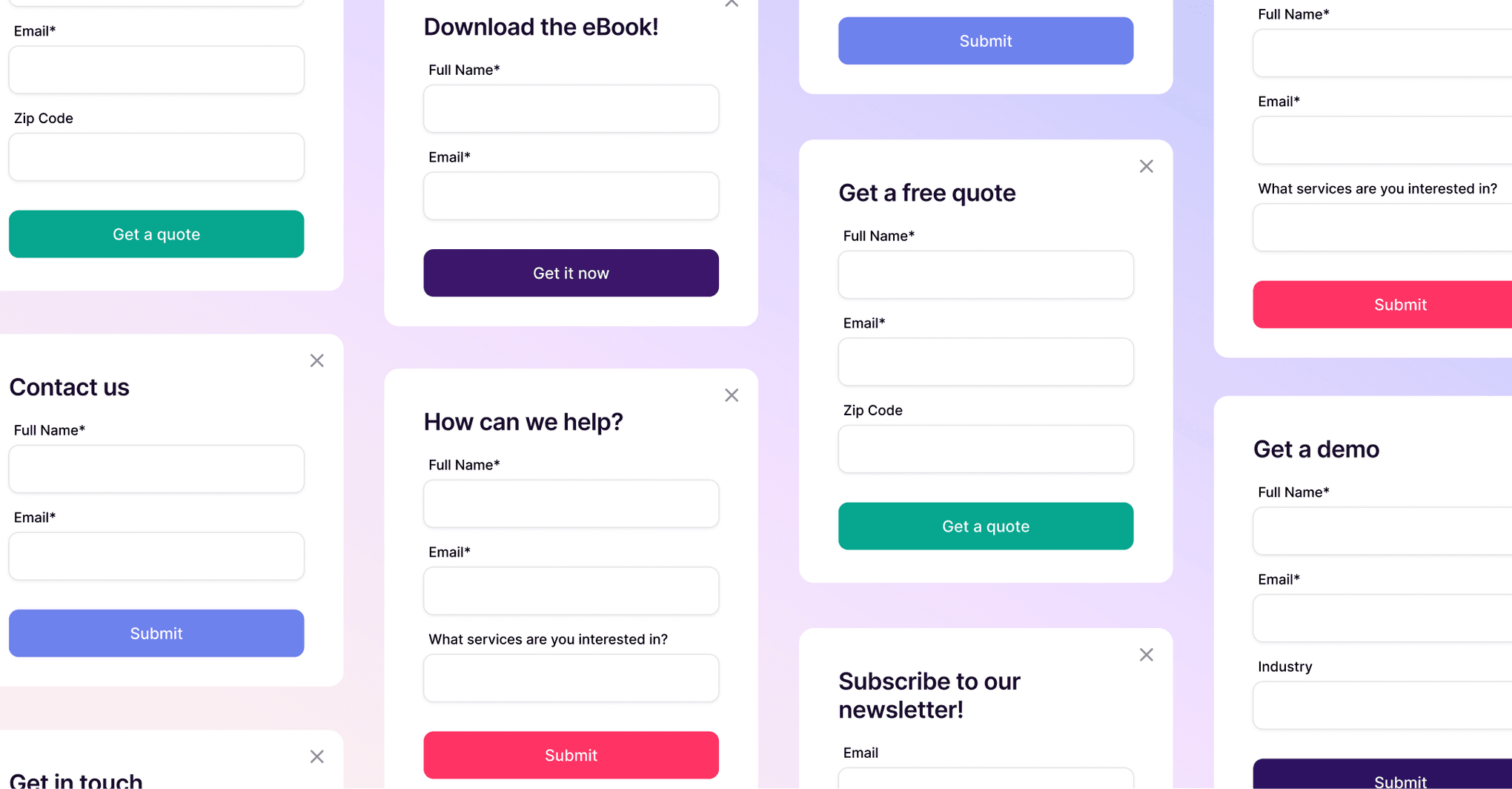
5 Forms you need on your website to capture more leads
Capture more leads, automate follow-ups, and keep your pipeline full with these must-have website forms.

4 min READ
How to use your CRM for project task management: 5 use cases
Simplify your workflow: Discover 5 ways small businesses use CRM project task management to track tasks, clients, and projects efficiently.

6 min READ
You’re not ‘too small’ for a CRM
Struggling to stay organized? A CRM might be your best next move.

Sales
The 3 Most Important KPIs for Measuring Sales Performance
Learn about the 3 most important sales KPIs, and get the formulas for each so you can measure your performance anytime.

Sales
6 prospecting email templates for you to swipe from right now
Use these six prospecting email templates to get prospects to reply and win more deals!

Sales
4 sales email examples & what makes them great
Writing sales emails? Here are 4 examples for inspiration, plus learn about the 6 elements that make sales emails effective.

Marketing
5 Drip Campaign Examples That Worked (And Why)
Need some help with creating drip email campaigns? Here are 5 examples, why they work, and what you can implement in your emails.

7 min READ
9 Things You Need in a Real Estate CRM
For real estate agents in search of a CRM, what are the must-haves? How can you find a tool that can manage leads, open houses, and client data? Here's how.

Sales
Prospecting calls 101: Getting from "hello" to a sale in 4 easy steps
Learn how to make prospecting calls that get sales—all in four simple steps.

Sales
How to Master the Psychology of Selling
How can you use psychology concepts to sell better and close more deals? Here are three key methods to try.

Copper news
How Rasco Aligns Its American & Canadian Teams with a CRM
See how Rasco, an innovative workwear apparel company, manages its international team—and finally got ROI out of going to tradeshows—with Copper, a CRM.
5 Reasons to switch to Copper from Base CRM
Compare Copper CRM to Base and see why customers choose us.
Copper news
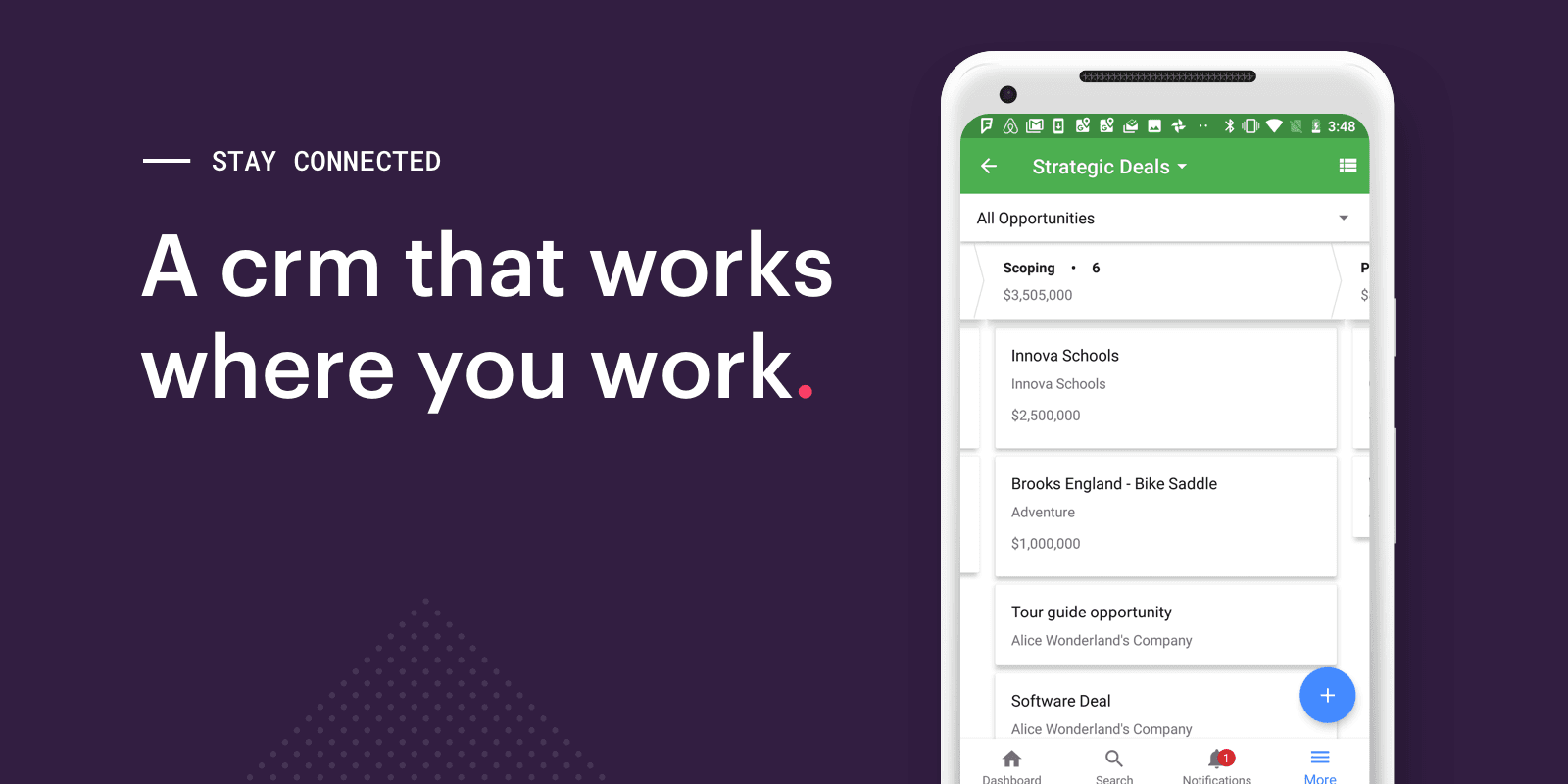
The Mobile CRM That Works Wherever You Work
Check out the latest improvements to Copper's mobile CRM.

Sales
Sales call planning: What to do before picking up the phone
How do you prepare for a successful sales call? Here are a few easy steps to help you plan before calling a lead.
Why a mobile CRM is critical to your business
You don’t have to be by a computer to build customer relationships. Here are four reasons to start using a mobile CRM today!

Copper news - 4 min READ
How Apptegy Found a CRM Its Team Loves to Use
See how Apptegy, a school marketing platform, explored its CRM options and finally chose Copper over the most established CRM on the market.

Sales - 9 min READ
5 Metrics to Accurately Track Sales Performance
There are many sales metrics out there. See which 5 metrics you should be using to accurately track sales performance, both by individual rep and by team.

Copper news - 6 min READ
How the ICPSR at the University of Michigan Gathers and Archives Research Data With a CRM
Learn about how ICPSR, one of the oldest and largest data archives in the world (at the University of Michigan) uses a CRM to gather and archive data.